Create and send
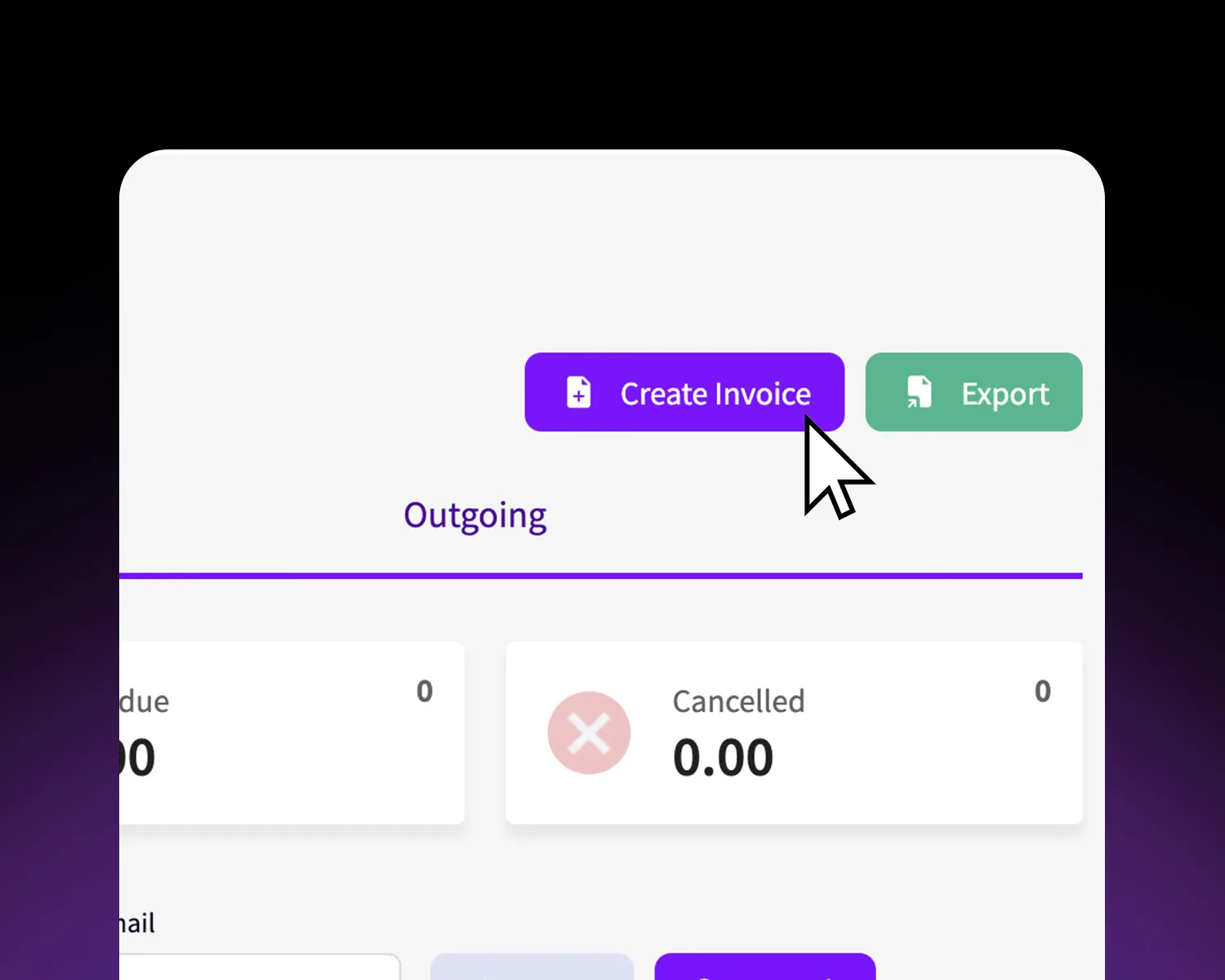
Build an invoice with the amount, customer and due date, then share the link by email or chat.


Bill customers and collect in USDT without a bank in the middle. Create an invoice, share a payment link, and watch it settle into your account with a record your accountant can read.
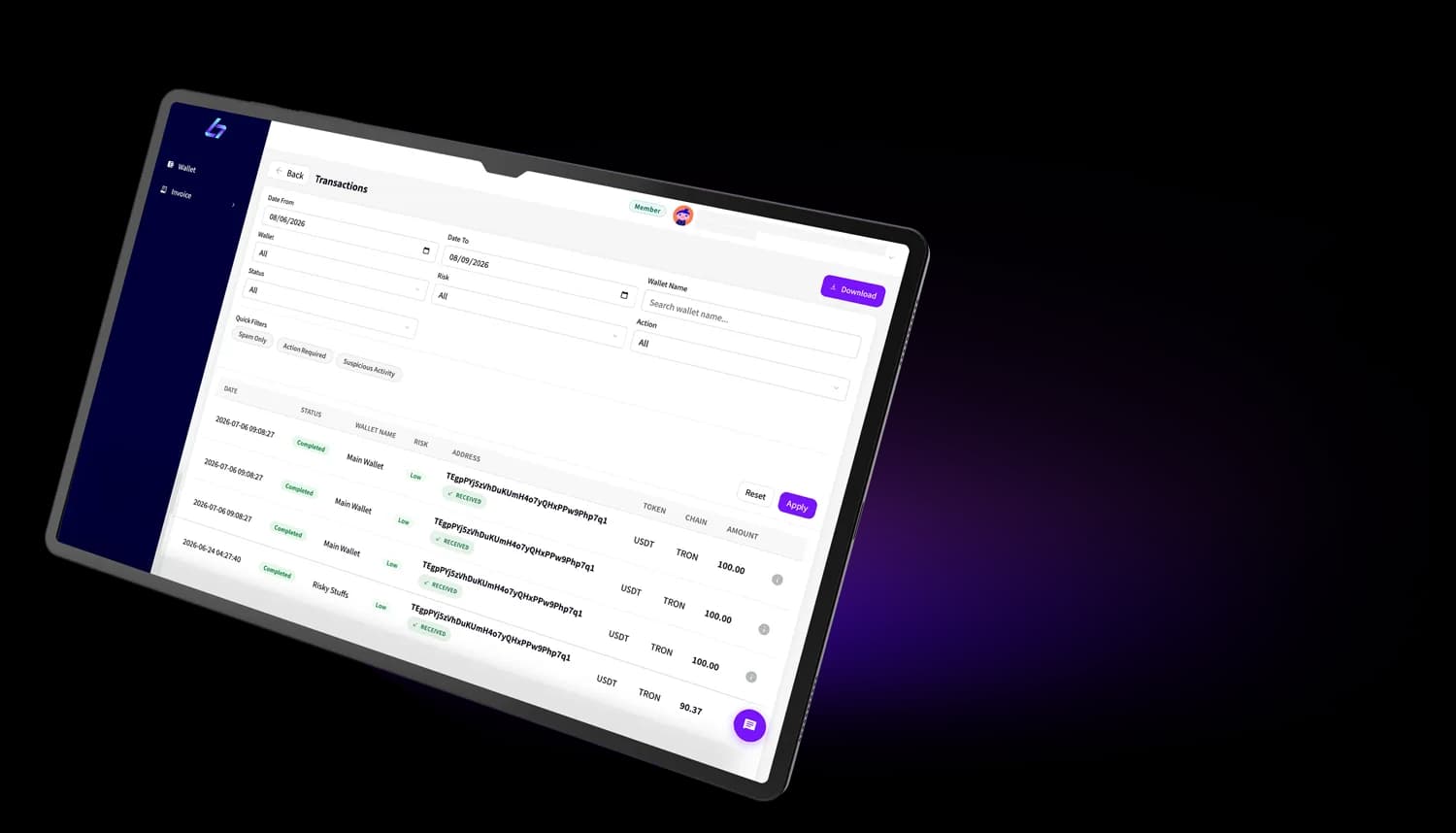
The parts of invoicing you expect, built to collect crypto cleanly.
Build an invoice with the amount, customer and due date, then share the link by email or chat.
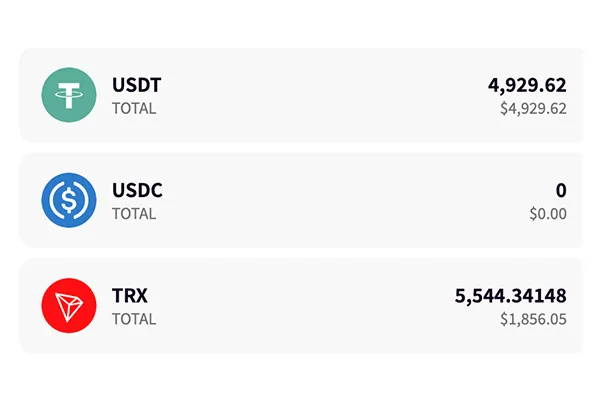
Collect in USDT on the network your customer prefers, with the amount fixed at the moment you bill.
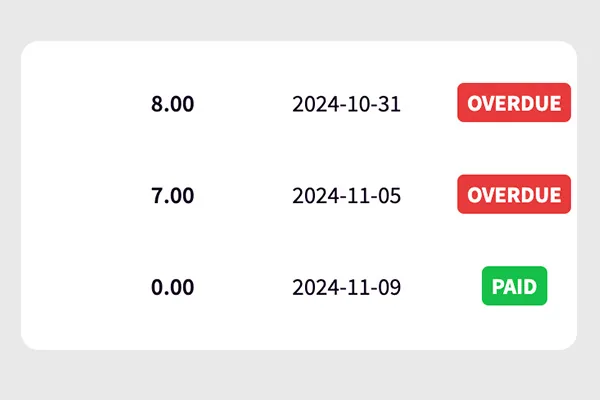
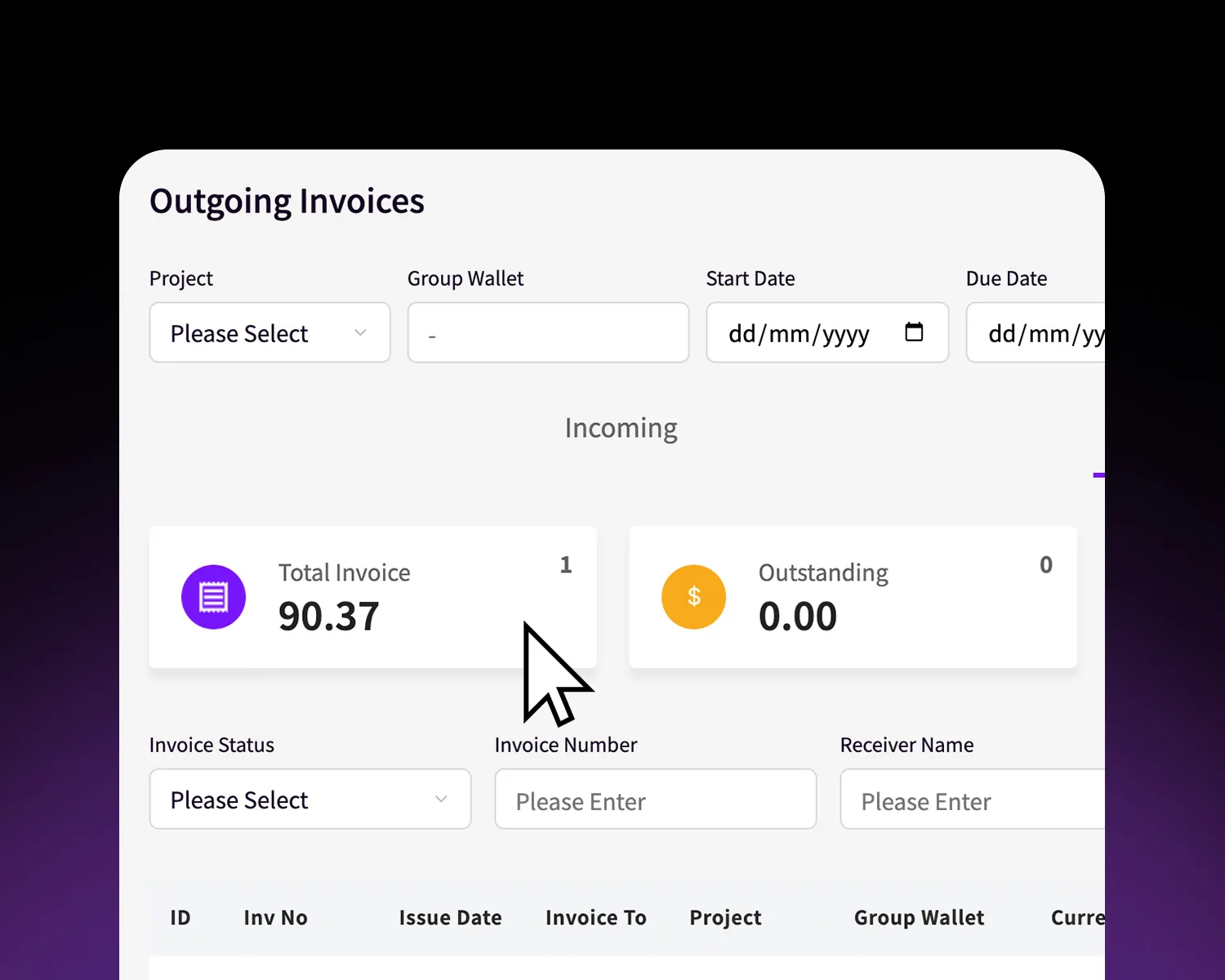
Every payment is logged with a receipt you can hand to a customer or an accountant.
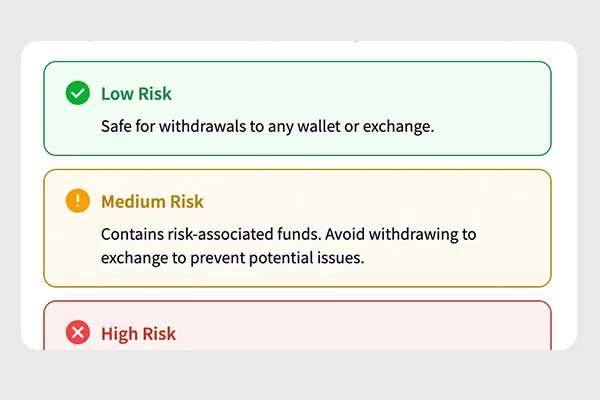
Incoming funds are screened for fraud before they settle, then land straight in your custody account.
Add the amount, the customer and a due date in the console at cms.bitzaro.com.
Send the payment link by email or chat. Your customer pays in USDT on the network they use.
Funds settle to your account, screened on the way in, with a record and receipt kept for you.
Bill clients abroad and get paid in stablecoins.
Settle supplier invoices without correspondent banks.
Reuse an invoice each month and keep records clean.
No. Invoices are billed and paid in stablecoins, and funds settle into your Bitzaro custody account. You can hold them or pay out from there.
USDT and USDC across Ethereum, BNB Smart Chain and Tron. Your customer picks the network that suits them at the payment link.
Incoming funds are screened before they settle. Anything flagged is held for review rather than dropped into your balance.
Yes. Every invoice and payment is logged with a receipt you can export and hand over.